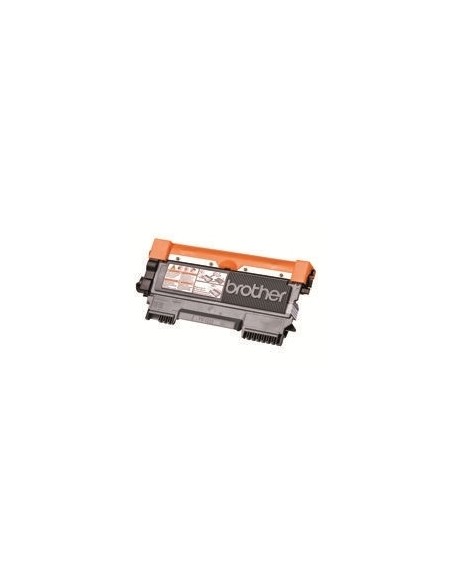
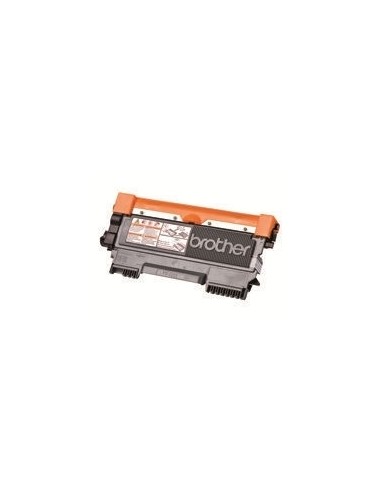
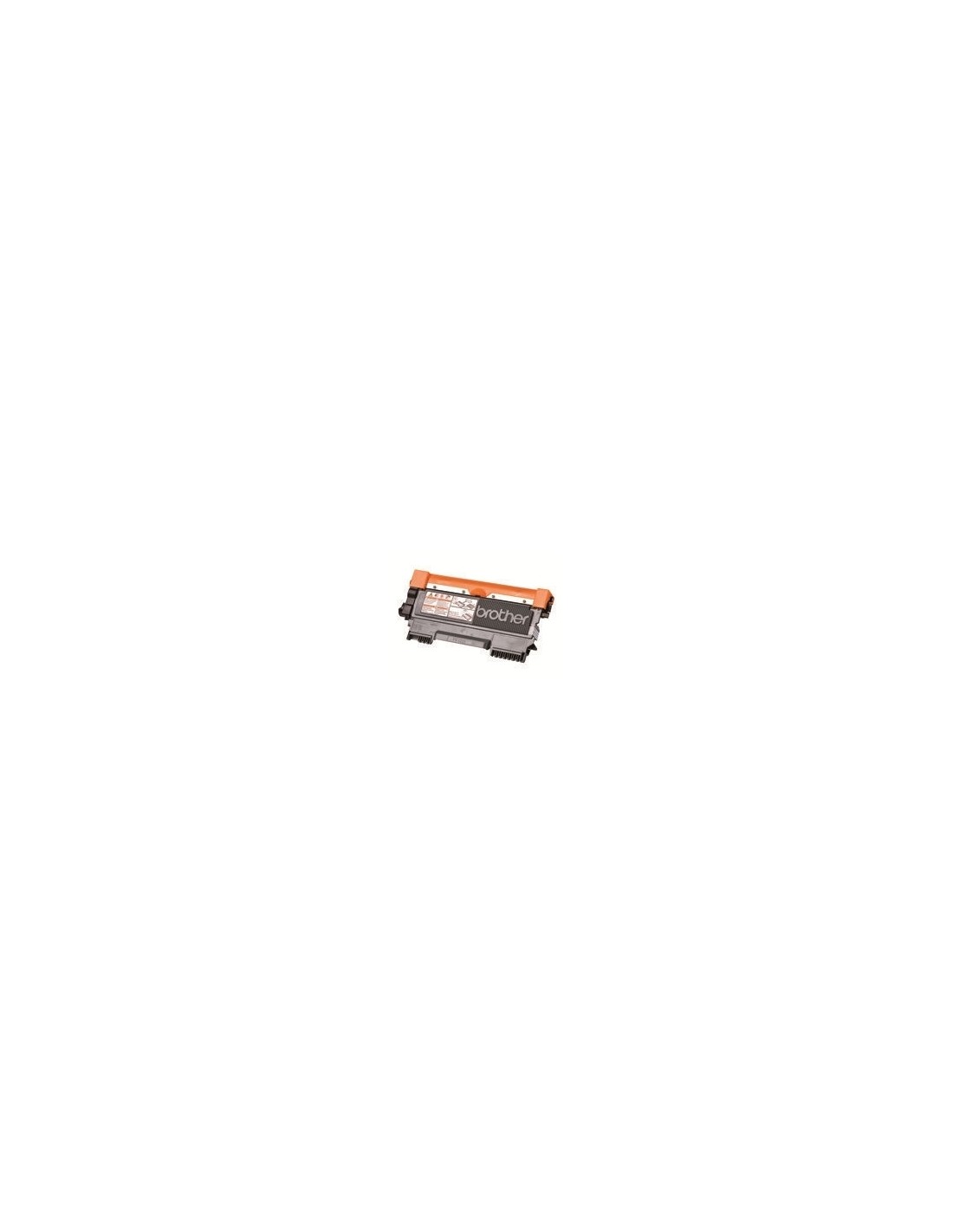
Elevate your printing experience with the genuine Brother TN2210 High-Yield Black Toner Cartridge. Designed for seamless integration and optimal performance with your Brother laser printer, this original cartridge consistently delivers crisp, professional-quality documents. Ideal for both busy home offices and bustling business environments, it ensures sharp text and clear images, making every print count.
The TN2210 high-yield design allows you to print up to 1200 pages, significantly reducing the frequency of replacements and offering a cost-effective solution for your printing needs. Brother's advanced toner formulation ensures reliable results from the first page to the last, providing consistent quality and dependable operation. Enjoy hassle-free printing and impressive output every time.
Specifications
- Model: Brother TN2210
- Color: Black
- Yield: Up to 1200 pages (ISO/IEC 19752)
- Type: High-Yield Toner Cartridge
- Printing Technology: Laser
- Included Quantity: 1
- Compatible with: Brother DCP-7060D, DCP-7065DN, DCP-7070DW, HL-2240, HL-2240D, HL-2250DN, HL-2270DW, MFC-7360N, MFC-7360Ne, MFC-7460DN, MFC-7860DW, FAX-2840, FAX-2940
How to Use
To install your new toner cartridge, first power off your printer. Open the printer's toner cartridge access door and carefully remove the empty cartridge. Remove the protective seal from the new Brother TN2210 toner cartridge, then insert it into the printer, ensuring it is correctly seated. Close the access door and power on your printer to resume printing.