Shopping Cart
Last items in stock

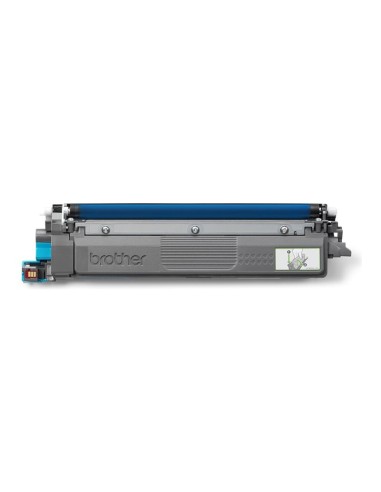
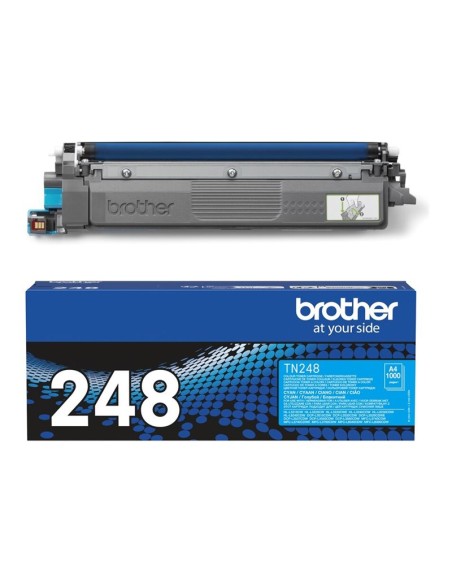
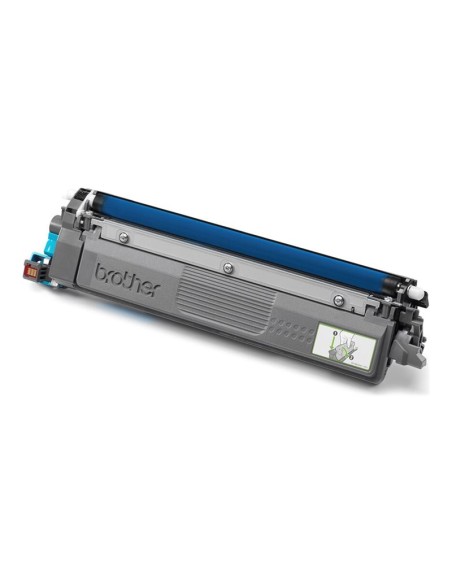
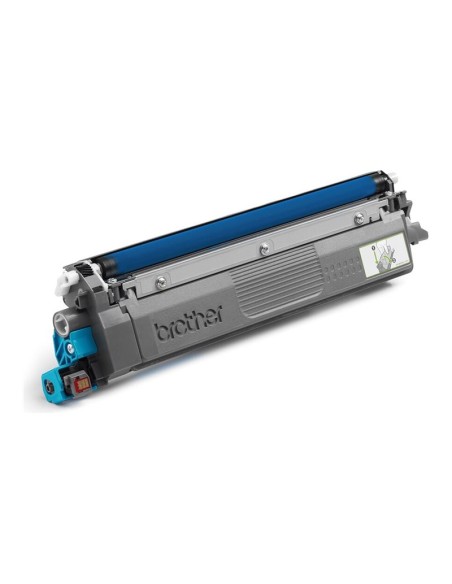
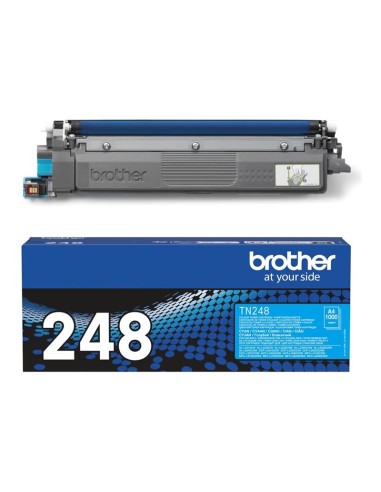
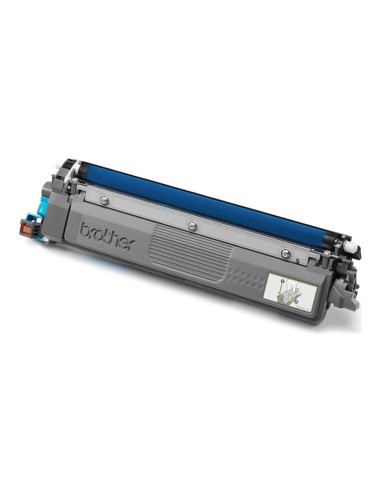
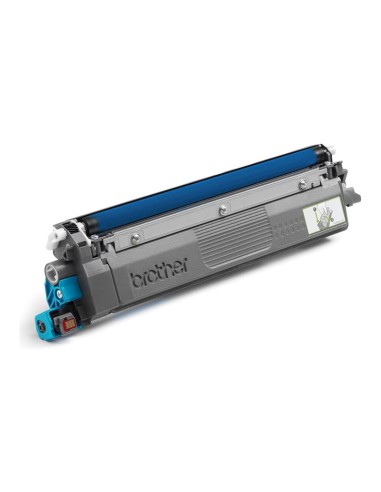
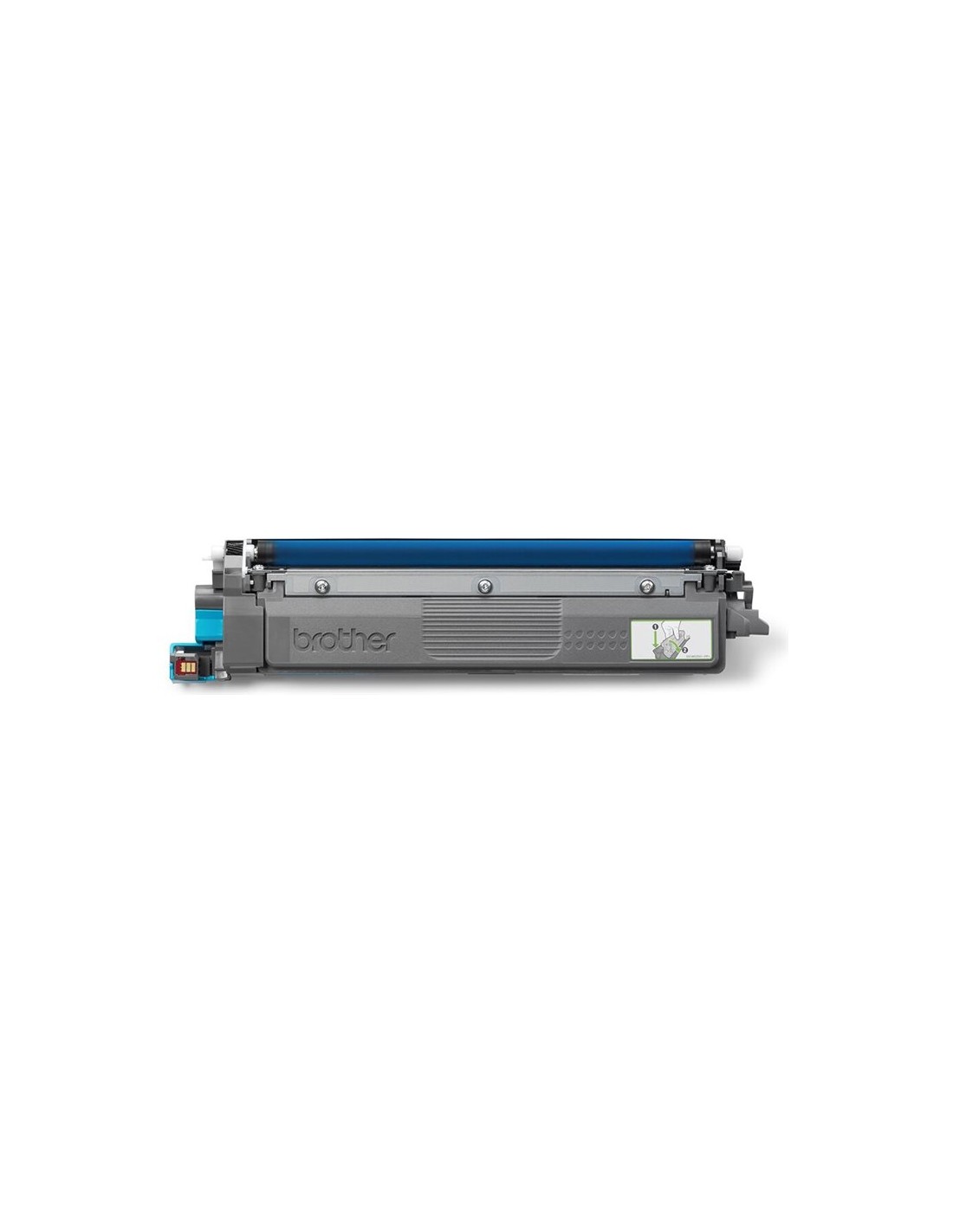
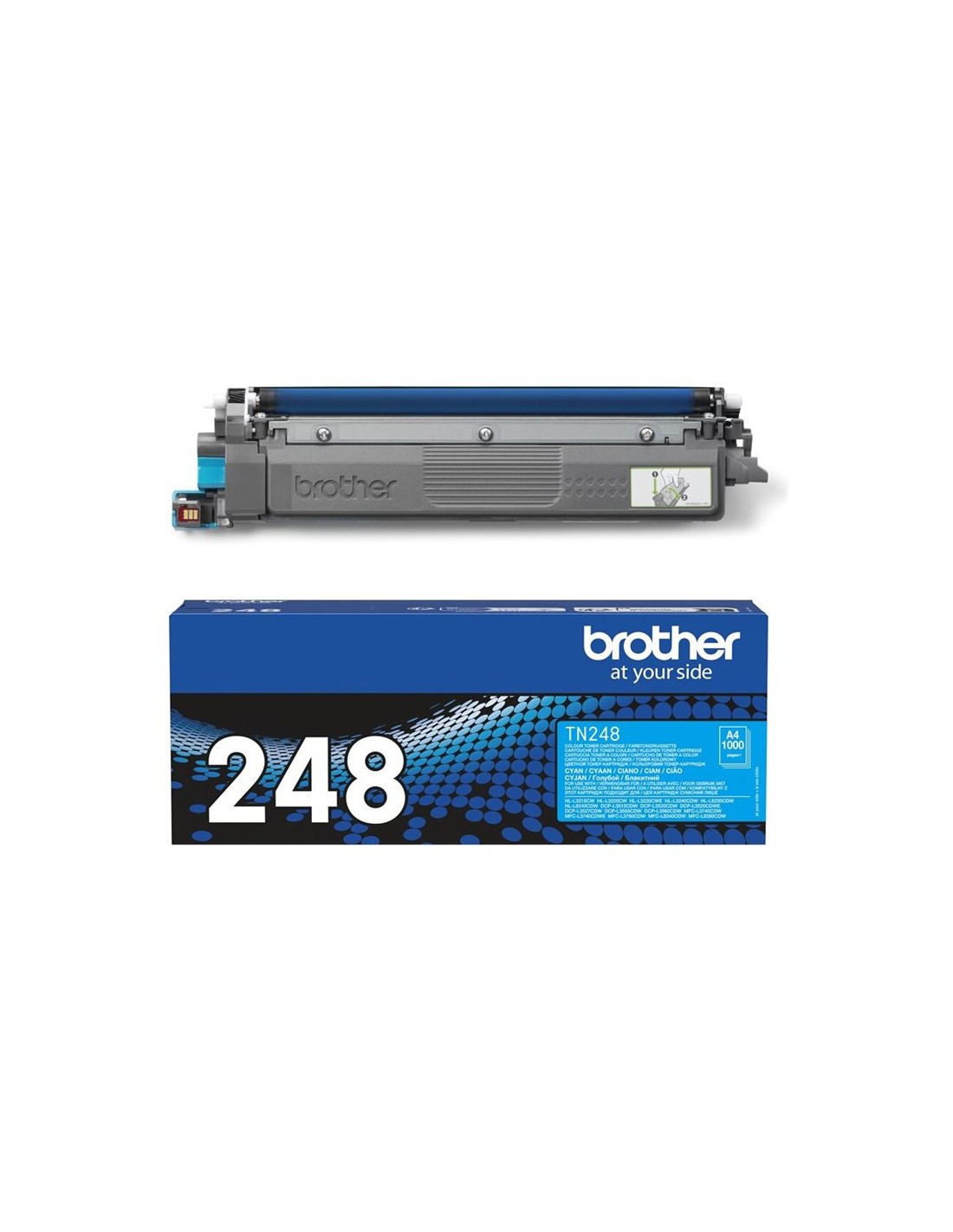
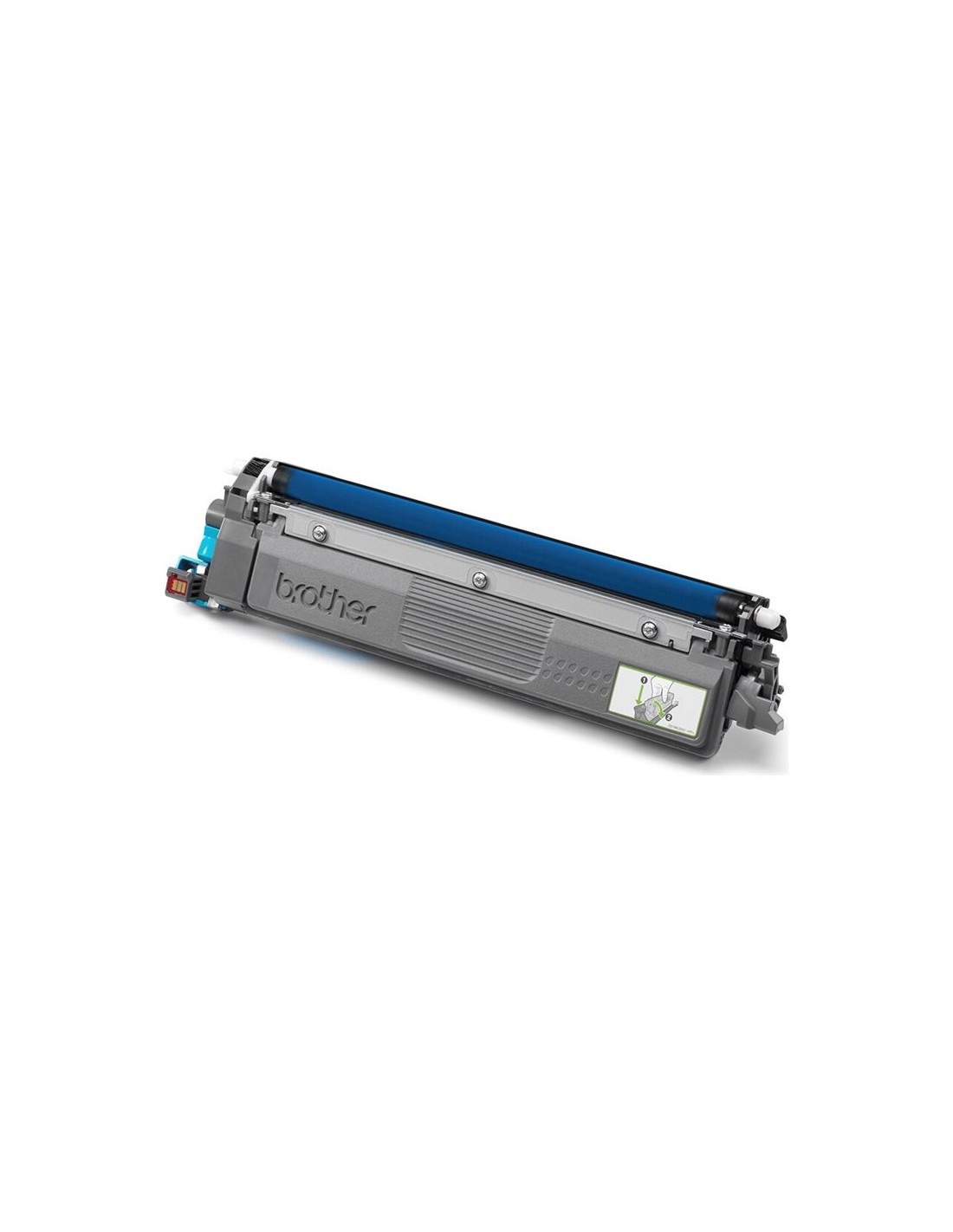
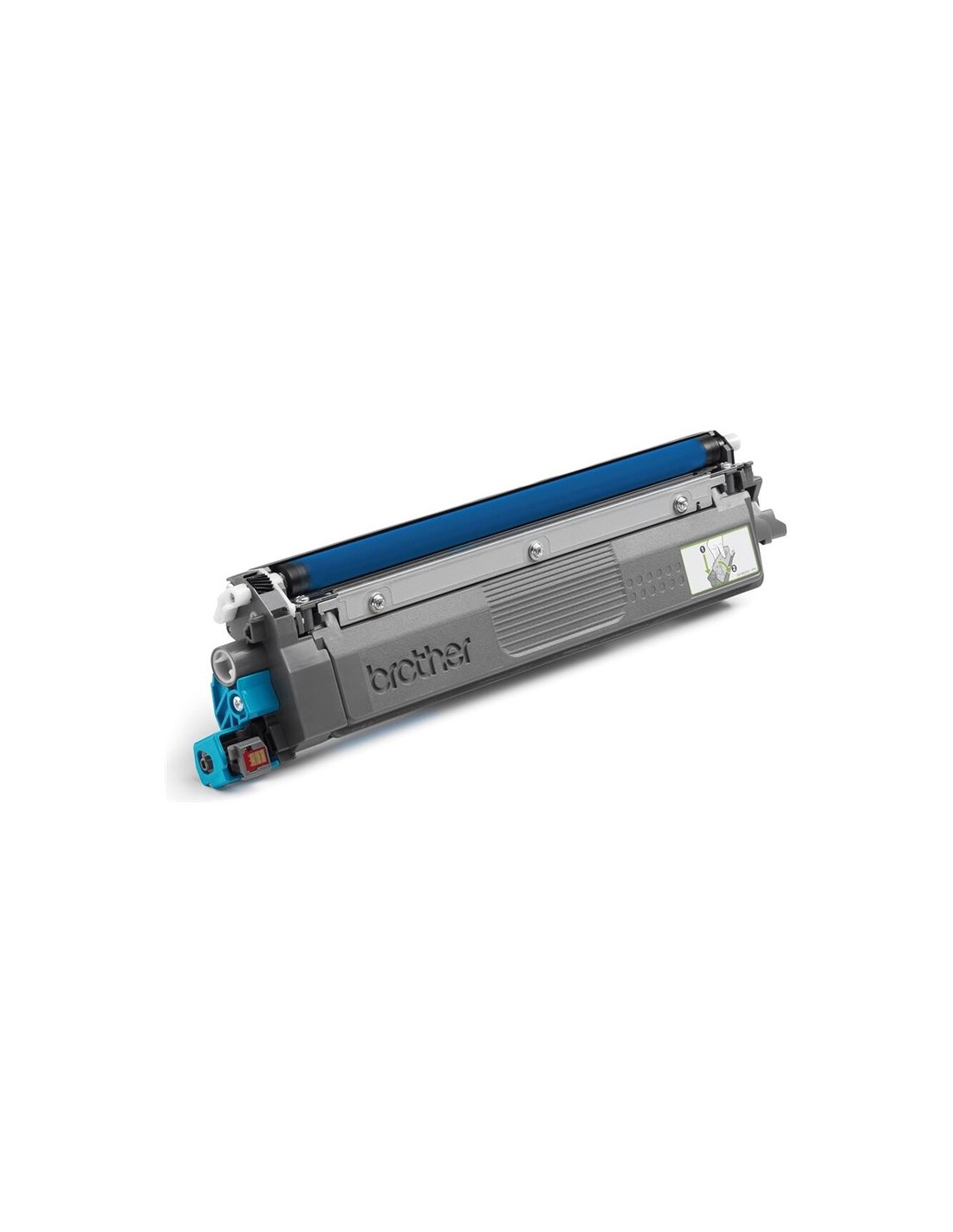
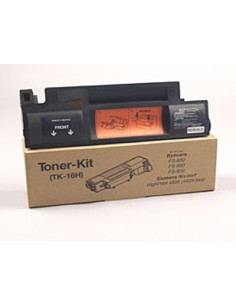
Achieve outstanding print quality and consistent performance with the genuine Brother TN-248C Cyan High-Yield Toner Cartridge. This original Brother cartridge is engineered to deliver crisp, clear, and vibrant cyan output, making it ideal for a wide range of documents, presentations, and creative projects. Designed specifically for your Brother laser printer, it ensures optimal functionality and produces professional-looking results every time.
Experience the benefits of a high-yield capacity, allowing you to print up to 1000 pages and significantly reduce the frequency of toner changes. This not only saves you time but also offers excellent value, ensuring your printing costs remain efficient. Choose the authentic Brother TN-248C for reliable operation and stunning, true-to-life cyan colors that truly impress.
This Brother TN-248C Cyan Toner Cartridge is designed for use with the following Brother laser printers:
Installing your Brother TN-248C toner cartridge is straightforward. Simply open the toner compartment on your printer, remove the protective seal from the new cartridge, and gently snap it into place. Detailed instructions are included within the product box for your convenience.