Shopping Cart
Out-of-Stock

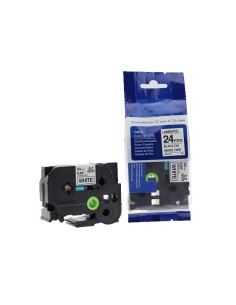
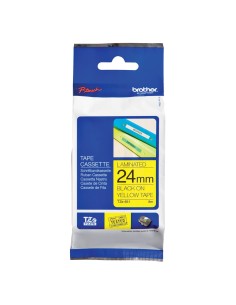
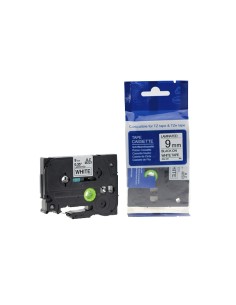
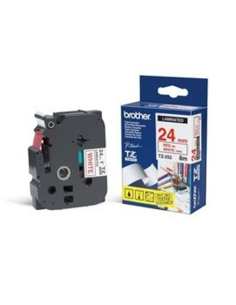
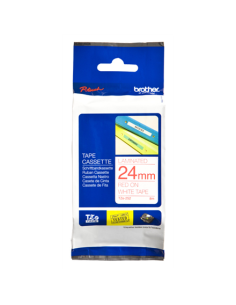
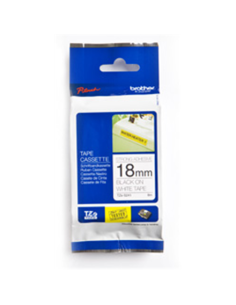
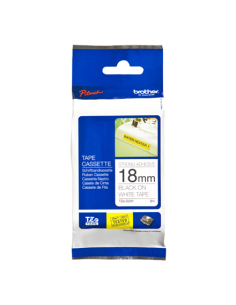
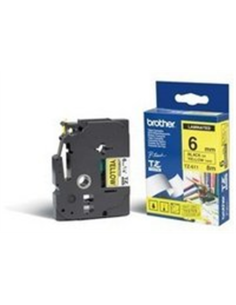
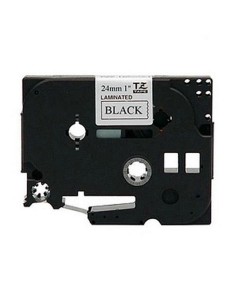
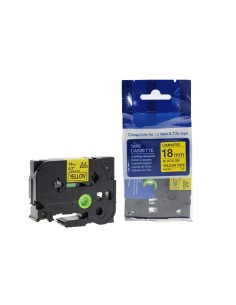
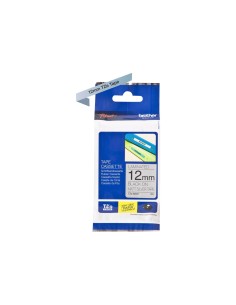
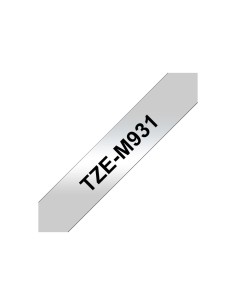
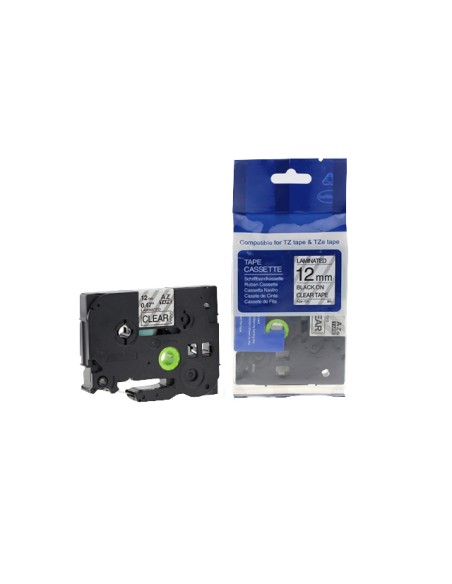
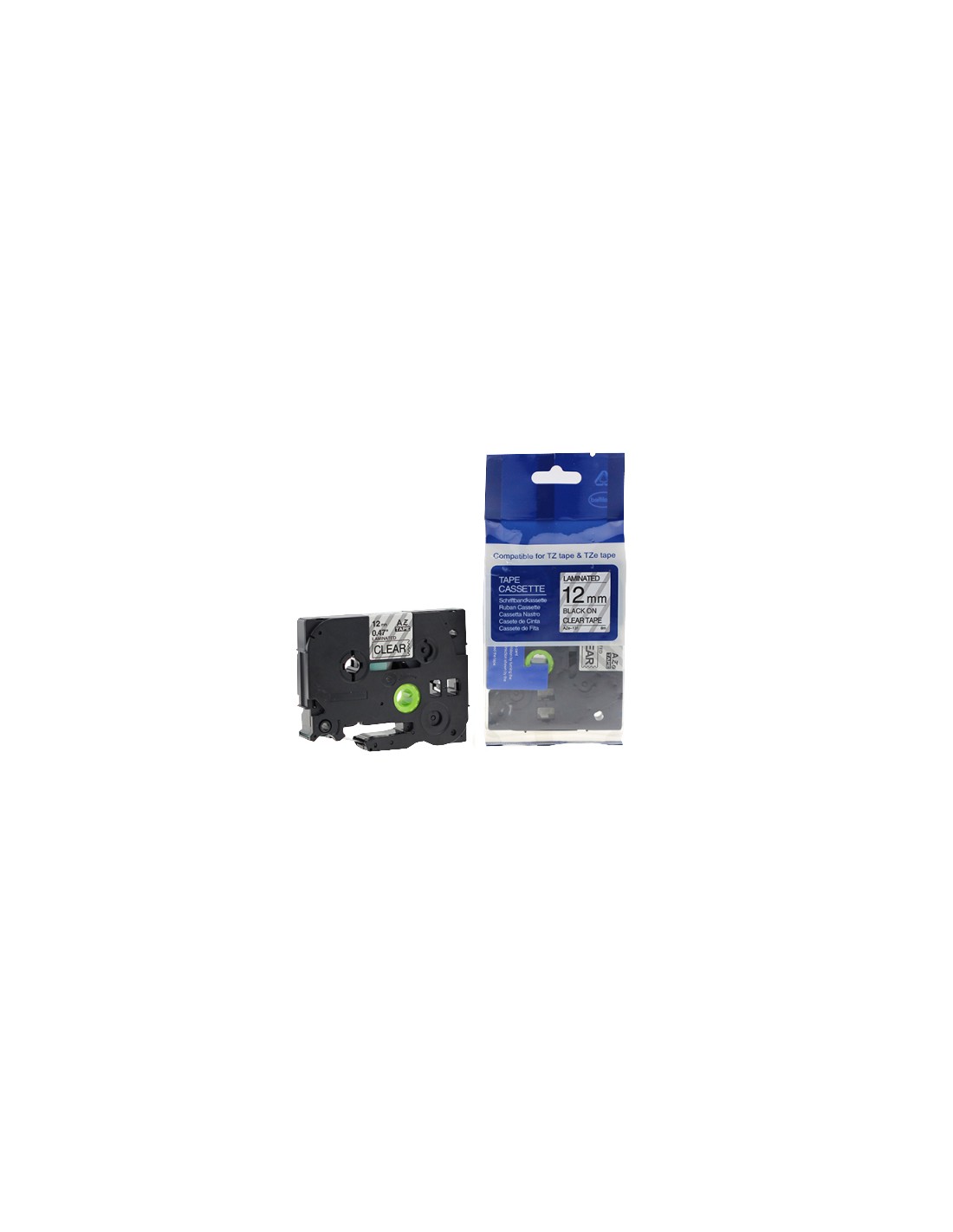
The Brother Label Tape TZ-131 is an essential accessory for your Brother P-touch label printer, designed to create clear, professional, and long-lasting labels. Measuring 12mm wide and 8 meters long, this tape features bold black text on a transparent background, making it ideal for discreet labeling where the background should show through. Achieve a neat and organized look on various items, from files and office equipment to tools and cables with this versatile labeling solution.
Crafted from durable materials, the original Brother TZ-131 tape ensures your labels withstand daily wear and tear. They are resistant to abrasion, water, and sunlight, maintaining readability and integrity over time. This makes it a reliable choice for both home and office environments, ensuring your important items are clearly identified and easily accessible with a professional finish.
Experience the superior quality of genuine Brother label supplies. The TZ-131 series is engineered for seamless compatibility with a wide range of Brother P-touch label makers, guaranteeing consistent, high-quality printing results every time. It’s the perfect choice for anyone seeking efficient and effective organization.
Ensure your Brother label printer is turned off before opening the tape cassette cover. Insert the Brother TZ-131 tape cassette according to your printer's manual, close the cover, and then turn the printer on to begin creating your labels.