Shopping Cart
Out-of-Stock

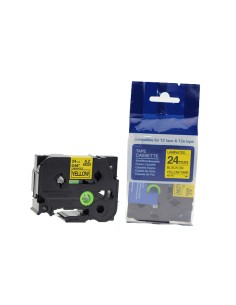
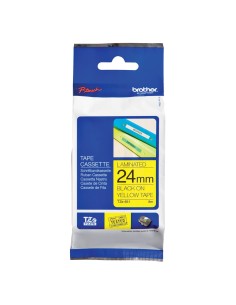
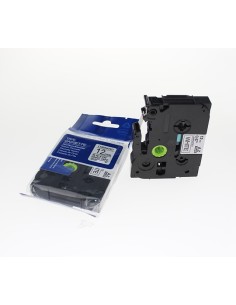
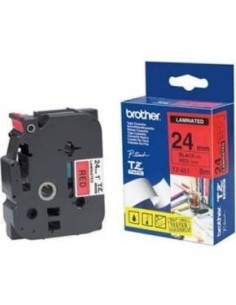
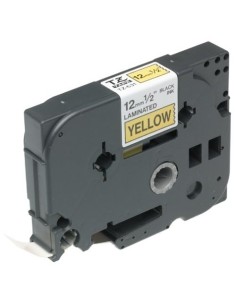
The Brother TZ-621 Label Tape offers a highly reliable and visually striking solution for all your labeling requirements. Featuring sharp black text on a vibrant yellow background, this 9mm wide tape ensures exceptional readability from any distance. It's an ideal choice for creating clear, professional, and long-lasting labels in diverse environments, from home offices to busy workshops.
Engineered for superior durability, the TZ-621 tape is built to withstand harsh conditions. It exhibits high resistance to abrasion, fading, and moisture, making it perfectly suited for both indoor and outdoor applications. Whether you're organizing files, marking cables, or labeling tools, this robust label cassette delivers consistent, high-quality results that endure over time.
The high-contrast design of this Brother label tape significantly enhances visibility, making your labels noticeable and easy to read. This improves overall organization and efficiency. Simple to install in most Brother P-touch label printers, the TZ-621 is an essential accessory for anyone seeking quality and dependability in their labeling tasks.
Installing the Brother TZ-621 label tape into your Brother label printer is quick and straightforward. For detailed instructions, please refer to your printer's user manual or the manufacturer's website.