Shopping Cart


€182.28

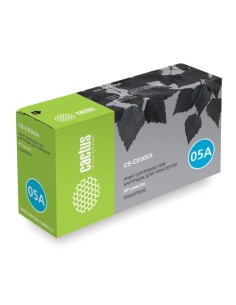
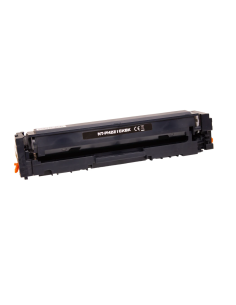
Achieve professional print results without the premium price tag with this compatible black toner cartridge, designed as a reliable, value-driven alternative to the original HP CE285A (85A) and Canon 725 cartridges. Engineered for consistent performance, it delivers exceptional value for both home and office environments, ensuring your documents always look their best.
Experience sharp, crisp text and vibrant graphics with every page, making your reports, presentations, and everyday documents stand out. This high-yield toner cartridge provides an impressive approximate yield of 1600 pages, based on ISO/IEC 19752 standards. This not only reduces the frequency of replacements but also offers a cost-effective printing solution without compromising on quality.
Known for its dependable performance and straightforward installation, this compatible toner minimizes downtime and frustration. Simply swap out your old cartridge to enjoy superior printouts consistently throughout its lifespan, upgrading your printing experience with an affordable and efficient choice that delivers professional results.
This compatible toner cartridge is designed for the following HP LaserJet printer models:
To install, ensure your printer is off. Open the cartridge access door, remove the old cartridge, and firmly insert the new one until it clicks into place. Close the access door and power on your printer.