Shopping Cart
Out-of-Stock

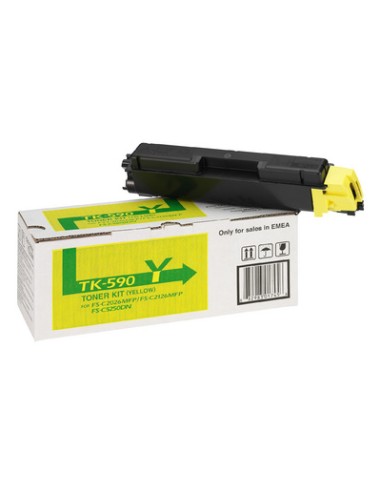
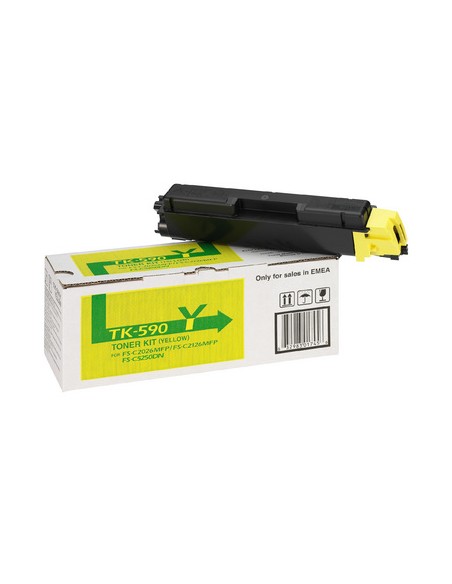
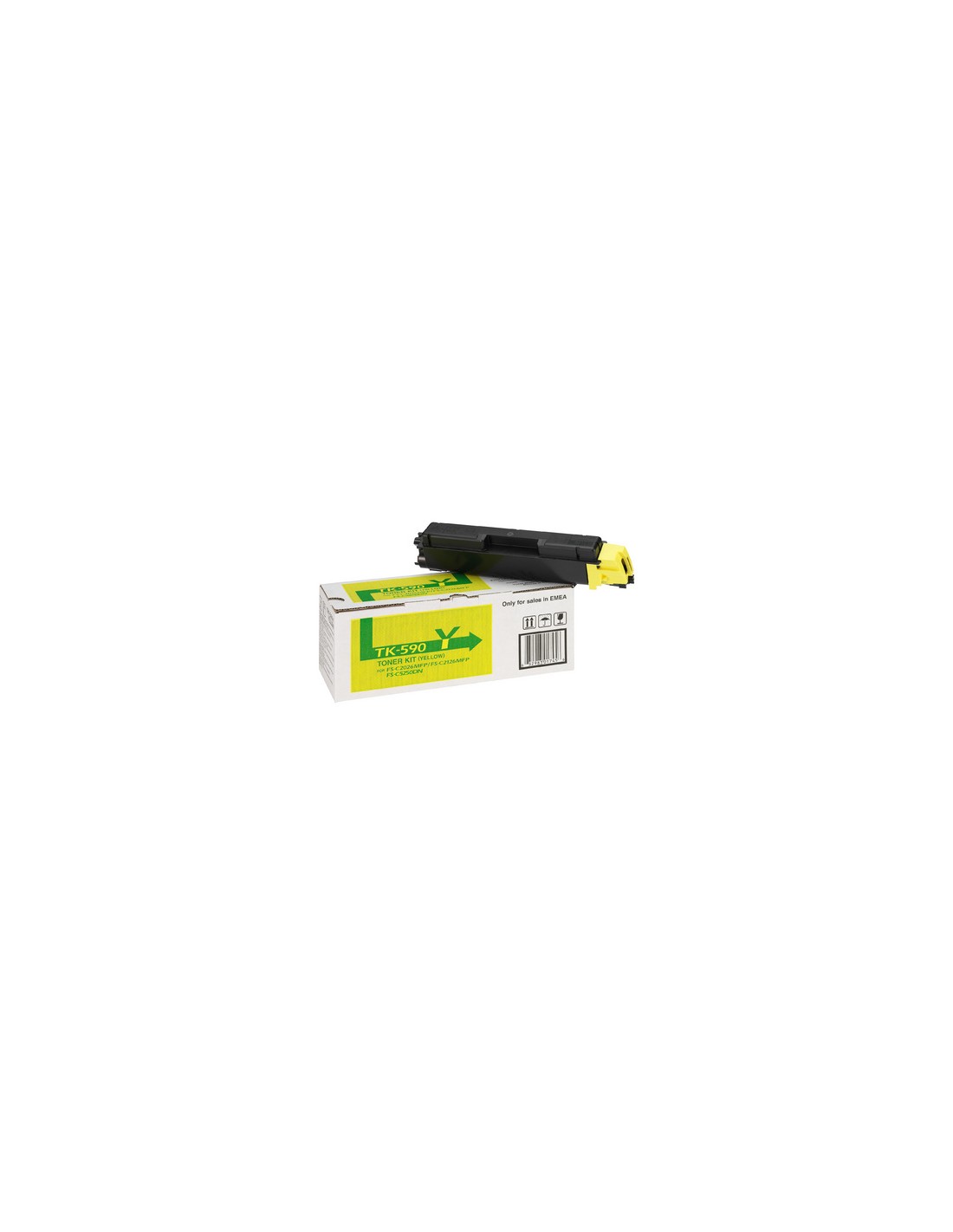
Ensure your office documents and images feature vibrant, accurate colors with the original Kyocera TK-590Y Yellow Toner Cartridge. This genuine Kyocera toner is specifically engineered to work seamlessly with your compatible Kyocera printer or multifunction device, guaranteeing exceptional print quality, sharp text, and vivid graphics from the first page to the last. Trust in authentic Kyocera consumables for optimal performance and professional output.
Designed for optimal reliability, the Kyocera TK-590Y delivers a consistent output of up to 5000 pages, making it an excellent choice for busy offices seeking high-yield solutions. Using original Kyocera toner helps prevent common printing issues and extends the lifespan of your equipment, providing peace of mind and stable, brilliant yellow hues that bring your prints to life. Investing in this high-yield toner proves to be a cost-effective solution in the long run by reducing the frequency of replacements.
To install the toner cartridge, first, turn off your printer. Carefully open the access cover for the toner cartridge, then remove the empty cartridge. Insert the new Kyocera TK-590Y yellow toner cartridge firmly into its slot, close the cover, and finally, turn your printer back on.