- Home
-
Office supplies
Kooli- ja kunstitarbed
- Pinalid ja koolikotid
- Viltpliiatsid ja dekoratiivmarkerid
- Kleeppildid
- Kooli paberitooted
- Värvid
- Värvi- ja akvarellpliiatsid
- Käsitööpaberid
- Käsitöö ja meisterdamise tooted
- Plastiliin ja voolimissavi
- Tahvlikriidid, asfaldikriidid
- Kriidid
- Joonistamise lisatarvikud
- Lõuendid, molbertid
- Kaaned vihikutele ja raamatutele
- Gloobused
-
Occupational safety
- Packaging
- ASAP Warehouse & Courier Services
- Contact
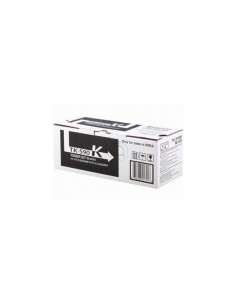
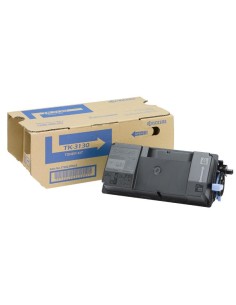
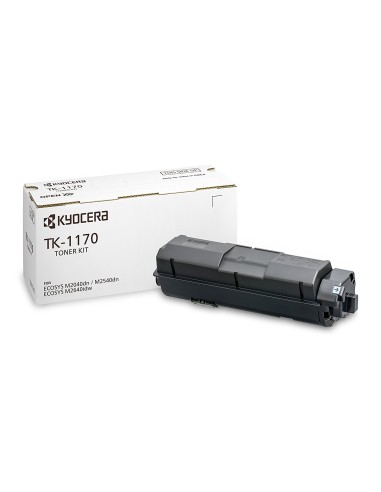
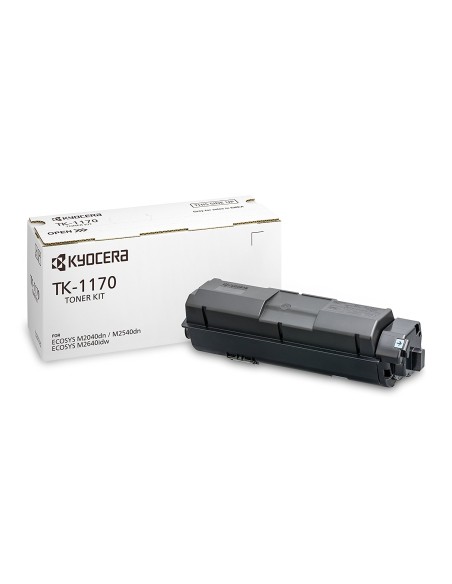
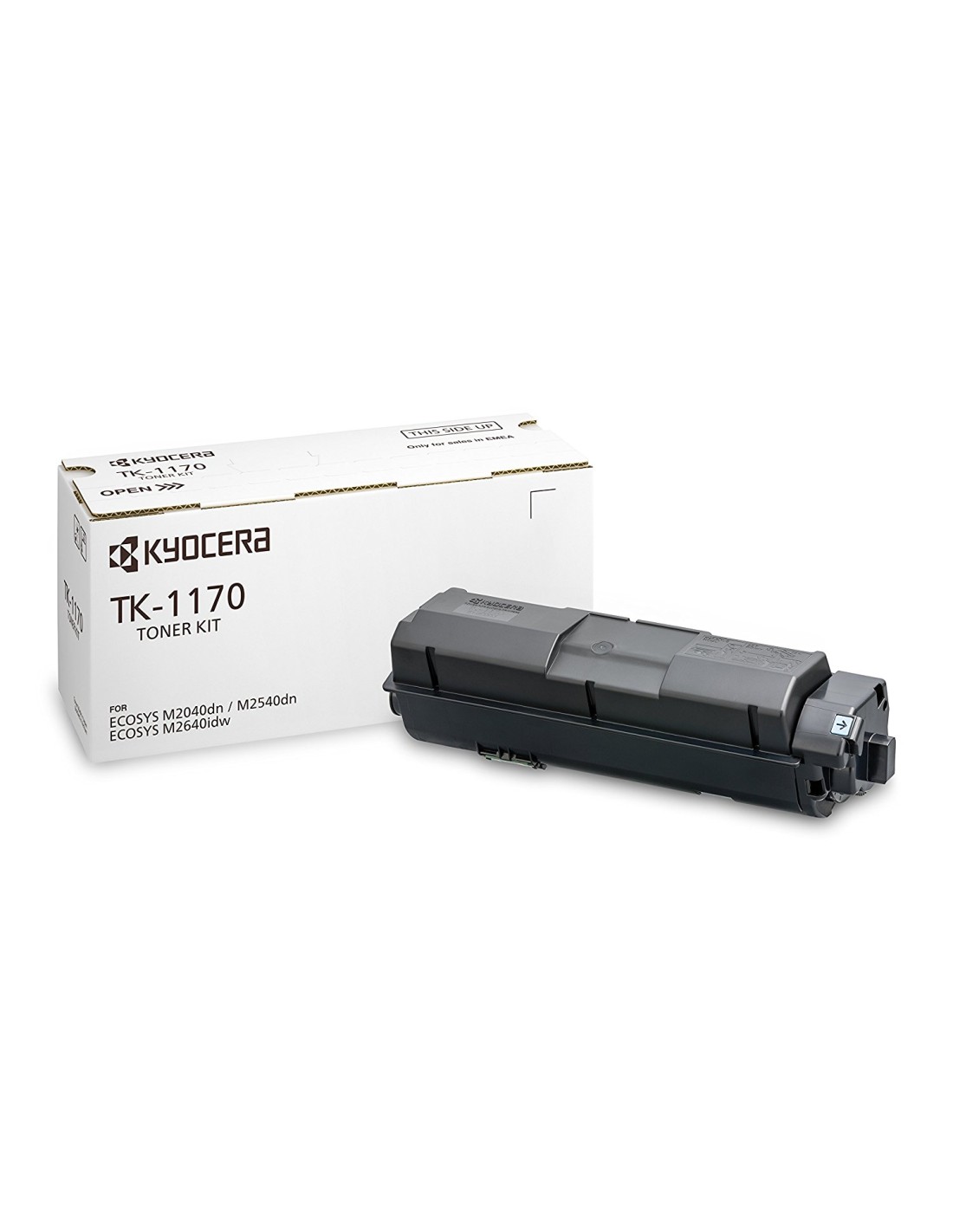
Kyocera TK-1170 Toner Cartridge (Black, 7200-Page Yield)
Ensure superior print quality and extended lifespan for your laser printer with the original Kyocera TK-1170 Black Toner Cartridge. Designed for consistent, reliable performance, this genuine Kyocera consumable delivers crisp, clear documents without the hassle of blurred output or interrupted operations throughout its use.
The Kyocera TK-1170 is ideal for offices, organizations, and individuals requiring dependable, high-volume document printing. With an impressive yield of up to 7200 pages, this high-capacity cartridge provides significant cost savings per page, making it an economical choice for all your printing needs. Experience intense and vibrant results with every print, enhancing the professional appearance of your printed materials.
Specifications
- Type: Original Toner Cartridge
- Page Yield: Up to 7200 pages (ISO/IEC 19752 standard, depending on print coverage)
- Print Technology: Laser
- Compatibility: Guarantees optimal performance with your compatible Kyocera printer
How to Use
- Turn off your printer.
- Open the cartridge access door.
- Carefully remove the empty toner cartridge.
- Gently unwrap the new Kyocera TK-1170 toner from its packaging.
- Insert the new cartridge into the printer, following your printer manufacturer's specific instructions.
- Close the access door securely.
- Turn on your printer to resume operations.