Shopping Cart
Last items in stock

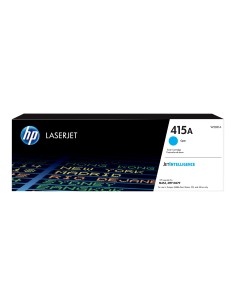
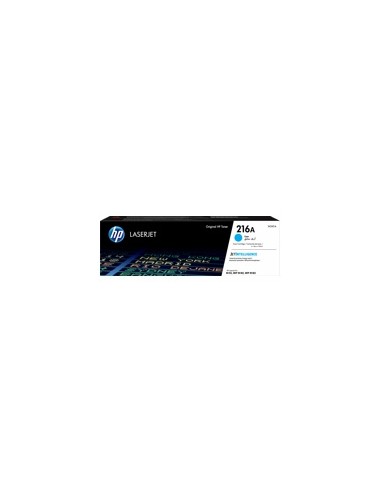
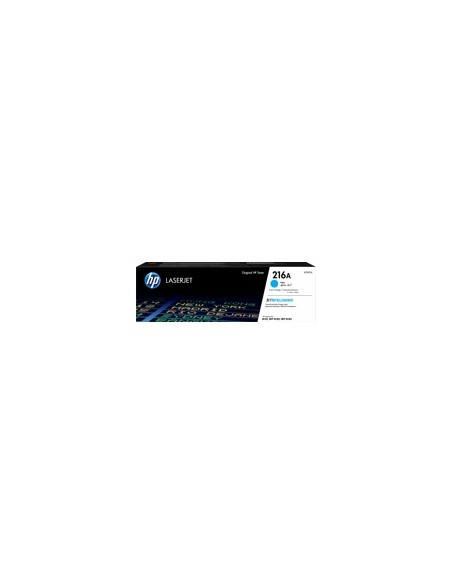
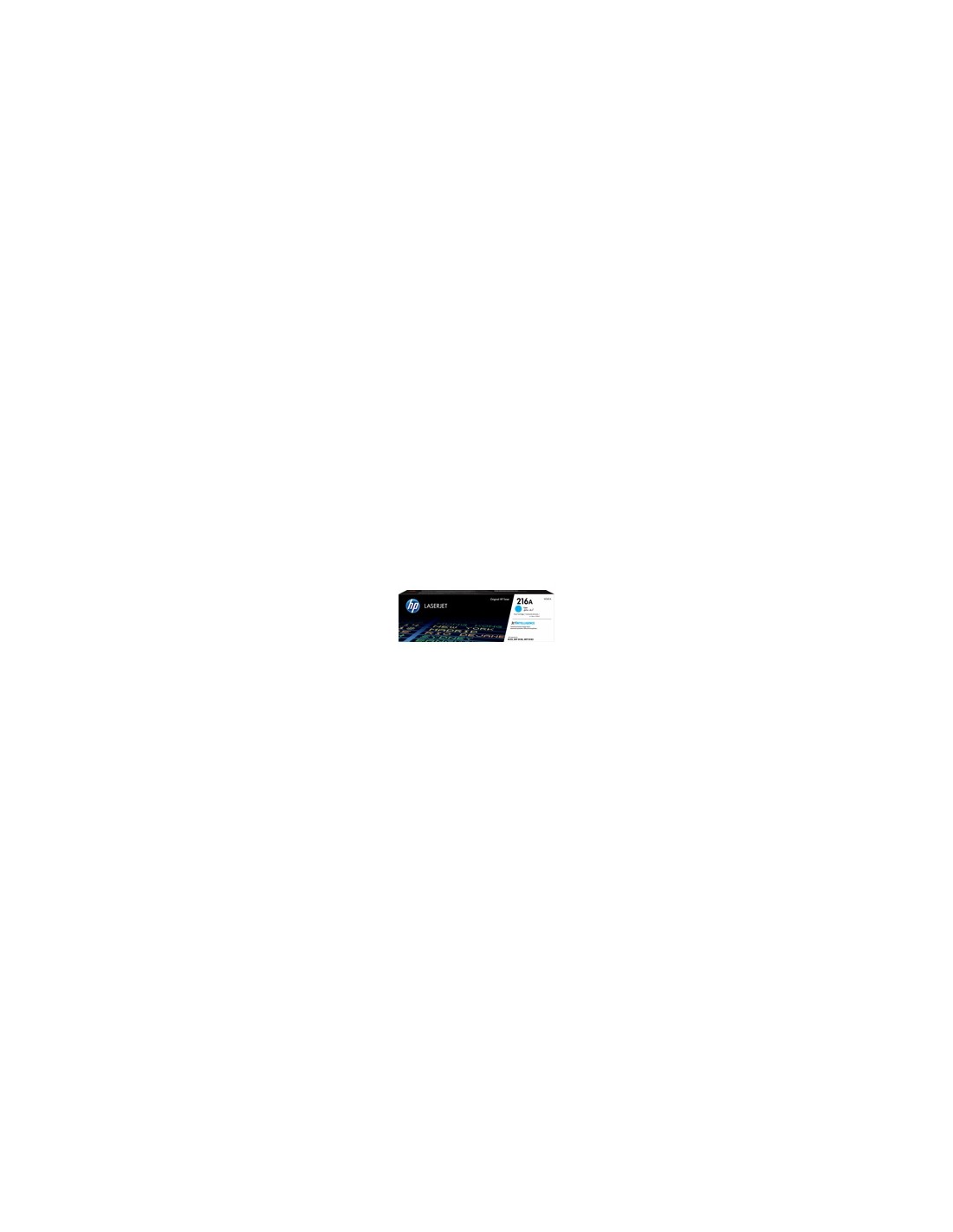
Experience brilliant, professional-quality prints with the genuine HP 216A Cyan High-Yield LaserJet Toner Cartridge (W2411A). This high-capacity printer toner is engineered by HP to deliver exceptional performance and reliability, ensuring vibrant, crisp, and clear cyan prints for all your important documents and presentations. Maximize your printing efficiency and minimize interruptions with this cost-effective, high-yield solution, designed to meet your consistent printing demands.
The HP 216A Cyan cartridge offers an impressive page yield of approximately 850 pages, based on ISO/IEC 19798 standards. This significantly reduces the frequency of replacements, saving you valuable time and money. Choosing genuine HP toner ensures consistent, dependable performance and superior print quality, which also helps to extend the life of your printer. Additionally, this toner cartridge features an eco-friendly design, supporting easy recycling and sustainable practices.
This HP 216A Cyan LaserJet toner cartridge is perfectly compatible with a range of HP Color LaserJet Pro printers, including the M254dw, M254nw, MFP M280nw, MFP M281fdw, and MFP M281fdn. Trust HP for optimal print quality and seamless operation with your compatible HP printer model.
Installation is quick and straightforward. Open your printer's front cover, remove the used toner cartridge, then carefully unpack and align the new HP 216A Cyan cartridge before gently pushing it into the slot until it clicks into place. Close the printer cover to resume printing.